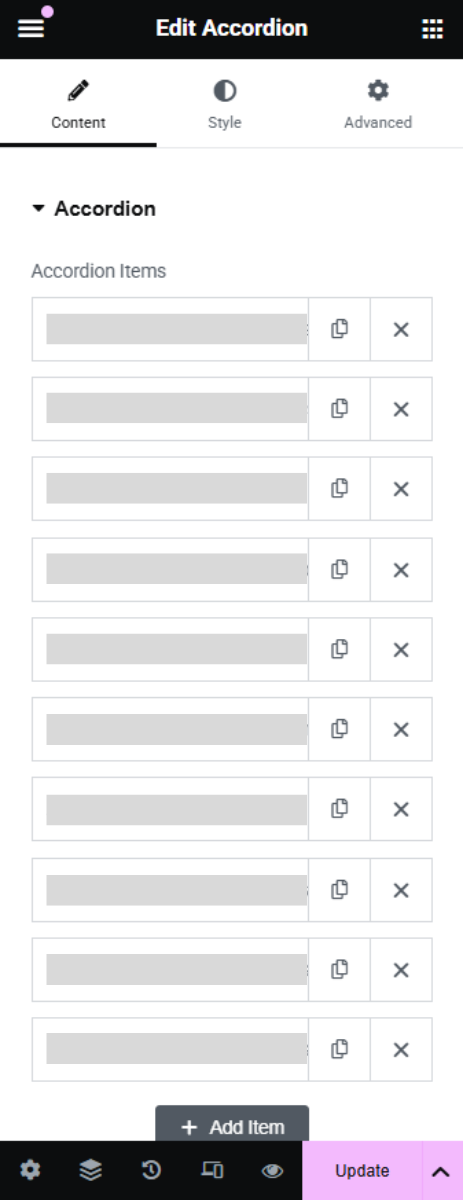
Click on the Accordion widget.
In the Content tab, hover over the FAQ item you want to edit.
Update the Title (question) or Content (answer).
You can also:
Reorder items by dragging them up or down.
Delete an item by clicking the ❌ icon.

Click on the Accordion widget.
In the Content tab, hover over the FAQ item you want to edit.
Update the Title (question) or Content (answer).
You can also:
Reorder items by dragging them up or down.
Delete an item by clicking the ❌ icon.