HOME

ABOUT US

OUR PROJECT

CONTACT US

SUPPORT

Check Order

Introduction

This guide explains how to check your order status after placing an order on the website. You can review order details, payment status, and delivery updates directly from your account.

Before You Start

Make sure:

  1. You have successfully placed an order.

  2. You are logged in using the same email or account used during checkout.

  3. You have your order number (if checking without login).

Check Order While Logged In

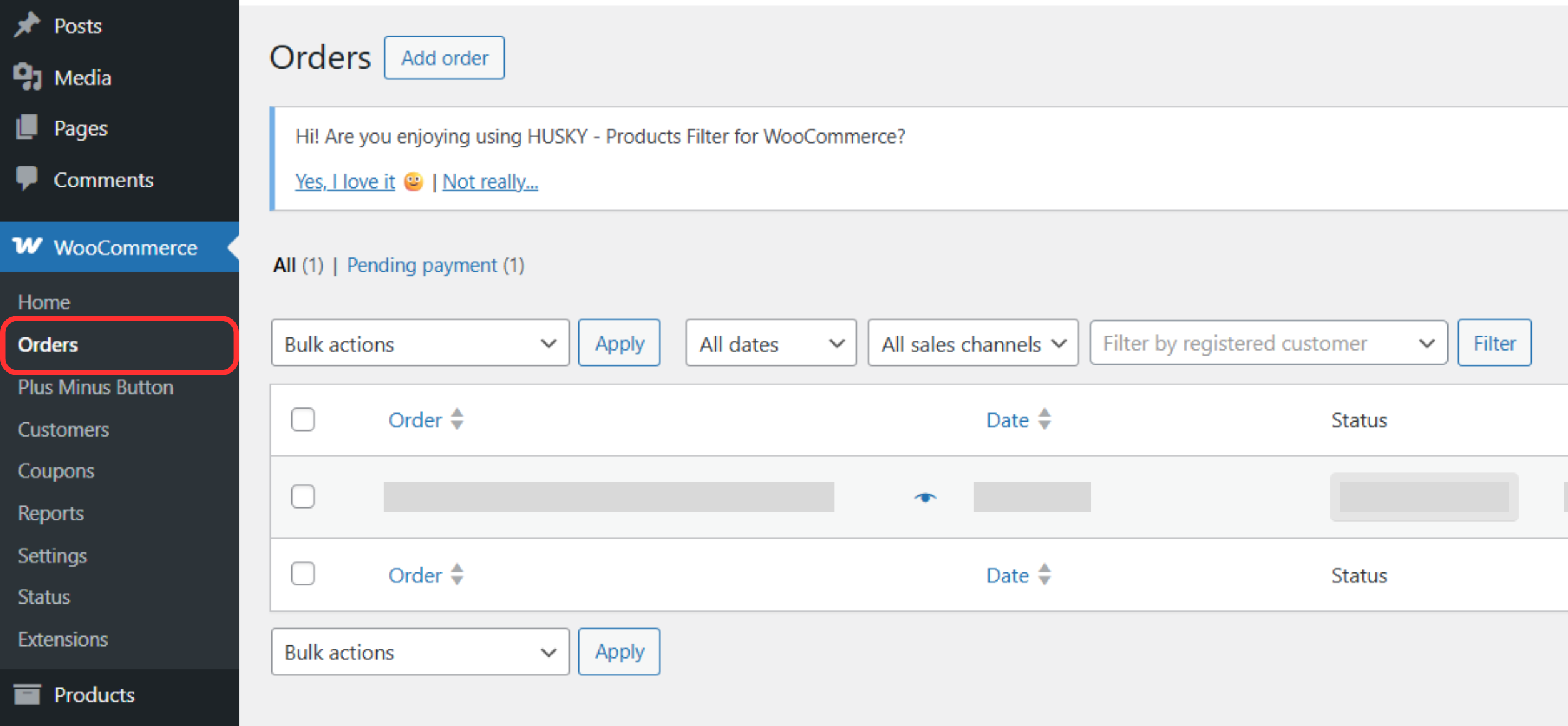
Step 1: View Orders

  1. Go to WooCommerce → Orders.

  2. A list of your recent orders will be displayed.

Step 3: Check Order Details

  1. Click on the order you want to check.

  2. You can see:

    • Order number

    • Order status (Processing, Completed, On Hold, Cancelled)

    • Items purchased

    • Payment method

    • Shipping address

    • Order total

2